I know what the event needs
Explore LED, audio, lighting, cameras and other systems by use. You can make an inquiry without knowing the models.
Explore by need Get a quote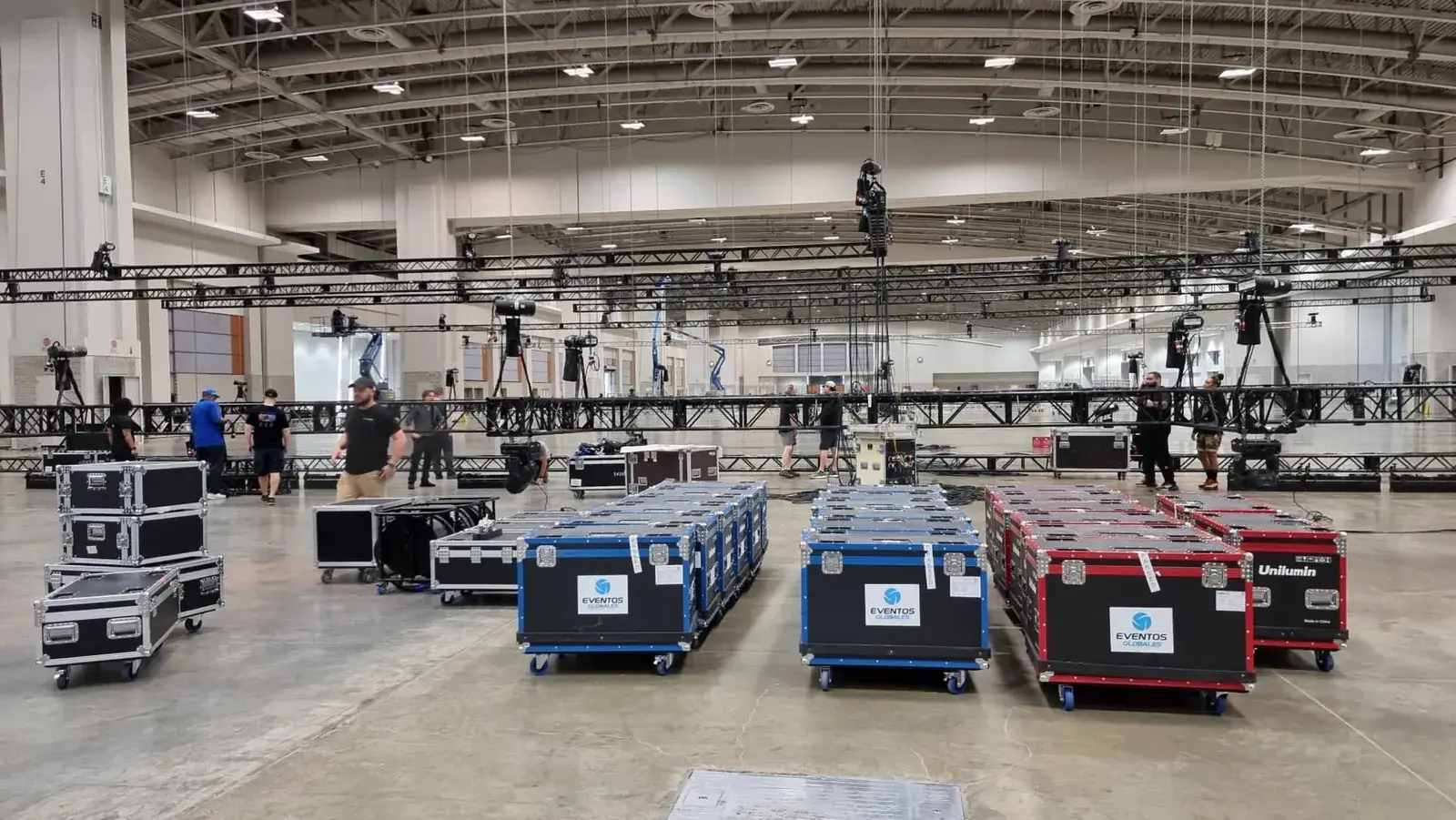
Equipment rental · Miramar, Florida
Explore the equipment we can prepare for your event: LED screens, audio for ballrooms and large venues, lighting, staging, power, cameras, control and infrastructure.
Ask about my requestThree-question guideThe direct inquiry opens a form you can complete with an initial idea. The guide asks three questions about your role, the event and the support you need; you then review the request before sending it.
Only name, email and message are required in Contact. You can start without final models or quantities.
Three ways to choose
Explore LED, audio, lighting, cameras and other systems by use. You can make an inquiry without knowing the models.
Explore by needFind a model in the inventory and add the requested quantity to your list. The catalog does not confirm stock for your dates.
Find and add equipmentConfigure a combination, rental days, and the technical support you need. We use the indicative estimate to review with you what is included, what is excluded, and what still needs to be defined before preparing the proposal.
Configure a packageEquipment only or technical support?You can combine equipment and packages in one list. Choose the service option in the cart, then review the details separately from your message in Contact. Adding items does not send an inquiry or reserve equipment. See preparation, setup and operation
You can ask for a device, crew or several systems. We agree on the service around what you already have and what still needs to be solved.
For your team to install and operate. We confirm models, quantities, cables and accessories, and agree on preparation, Miramar pickup or delivery to suit the equipment and project.
Ask about equipment onlyAdd delivery, installation, connections, configuration, testing and removal of the booked systems. We define access, hours and any operation included afterward.
Ask about setup and testingYou can add crew for rehearsals and the event, using GLMedia equipment or a system from the venue or another supplier. We review compatibility, tasks, and hours, then list the crew and equipment you need to book separately in the proposal.
Ask about technical supportCombine LED or projection, audio, lighting, cameras, playback, and staging to suit the event. We review what each team supplies and detail GLMedia’s equipment and tasks in the proposal to coordinate setup and operation.
Ask about several servicesWe confirm models, accessories, availability, and hours in the proposal. We review the equipment, content, and crew you already have, and coordinate power and access with the venue. We agree on GLMedia’s audiovisual tasks and who coordinates the overall program so our work fits with your team, production company, and other suppliers.
For compatible LED rentals, ask whether touring dollies suit the panel family, venue access and transport plan. This handling option is confirmed for the project.
Ask about transport on dolliesNeed the current technical package?
Start with what you need to solve, even if the date, location, or models are still undecided. If you have a list, include quantities and accessories; we work with you to complete the information needed for the proposal. The direct inquiry keeps an editable reference; it is sent only when you press Send inquiry. Requesting a proposal does not reserve equipment. Contact also offers WhatsApp and email if the form fails.
Ask about my request LED calculator Three-question guideAlready added equipment or a configured package? Review the quote cart, then continue to Contact. The list is included separately from your message; nothing is sent until you submit the form.
These links prepare a general equipment and technical-support subject. Complete and send from your app; they do not include your form draft or equipment list.
Equipment is only part of the answer
Tell us what the audience needs to see and hear, or send your equipment list with models and quantities. We will confirm whether your package can be collected by your crew, delivered and installed, or supplied with operators. For presentations and meeting rooms, see our projectors, projection screens and monitors.
Choose the equipment for your production, from a single rental to a complete system prepared, installed and operated by GLMedia. These are examples from our equipment catalog; models, quantities and accessories are confirmed for your dates. Equipment-only rental is also available.
Show content on an LED surface
Unilumin URM III P2.6 indoor, URM III and UGM II P3.91 outdoor, and UDF 5.2 LED floors. Straight, curved and corner configurations depend on the cabinet family.
Present slides or give the speaker a separate view
Barco G62-W9 and G62-W14, Christie DWU1800, Samsung and Sharp displays, touch monitors and presentation screens.
Make voices and music heard
Shure SLX-D wireless, BOSE L1 Pro32 with Sub1, QSC K8.2, Yamaha VXS10S subwoofers and XMV4280 amplifiers.
Light speakers, cameras or the room
Chauvet COLORado and onAir fixtures, Claypaky HY B-EYE K25 and Ultimo Sharpy, with MA Lighting and ChamSys control options.
Play and distribute different video feeds
NovaStar VX1000, VX2000 and H5, Pixera and Resolume servers, plus signal distribution, conversion and monitoring.
Film, record or stream
Cameras, lenses, video switchers, intercom, recording and streaming equipment, configured around the sources and outputs your production needs.
Support displays and prepare platforms
Eurotruss FD34, Tyler, Thomas, Global Truss and ModTruss components, compatible Unilumin ground support, stage decks and platforms.
Connect power, networks and signals
Cam-lock distribution, Tripp Lite UPS units, Cisco switches, fiber signal links, KanexPro splitters and Magewell conversion.
Expanded 2026 equipment list
Explore our equipment options, including Unilumin LED, Barco and Christie projection, NovaStar processing, Pixera and Resolume playback, Chauvet lighting, displays, audio, power, networking and Eurotruss infrastructure.
Open the 2026 AV inventory Ver en español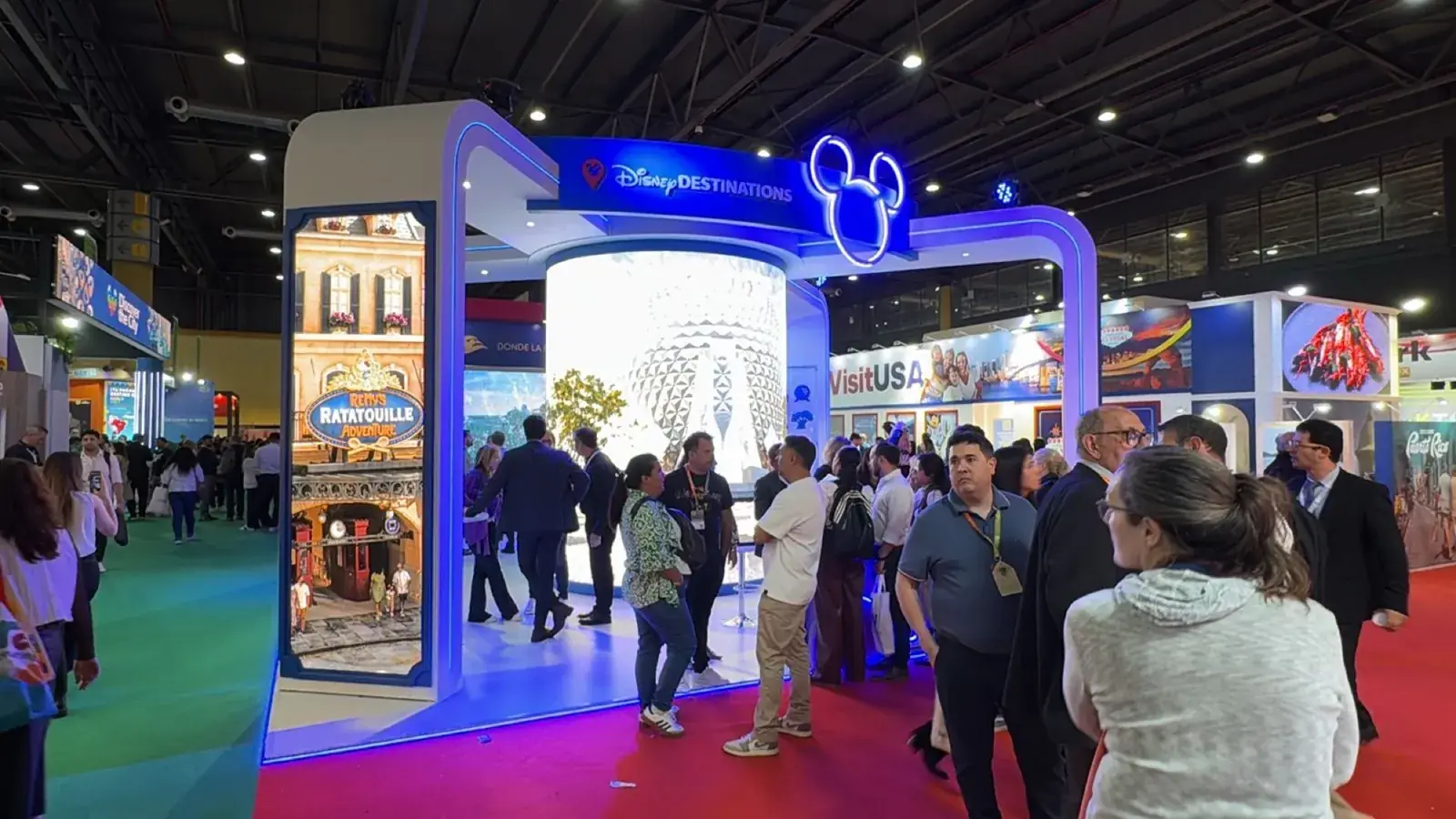
Miami rental inventory
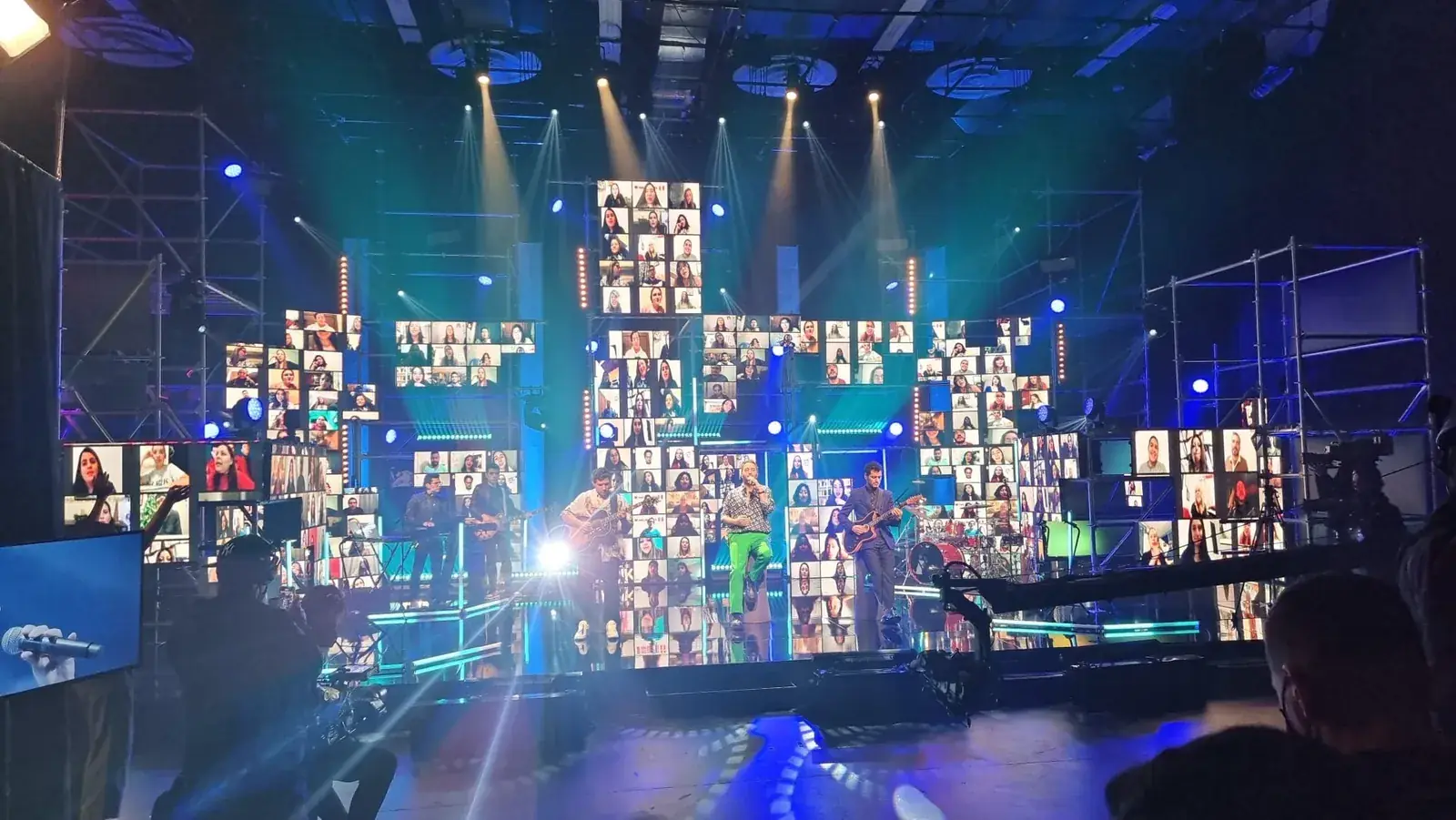
Capture · IMAG · streaming
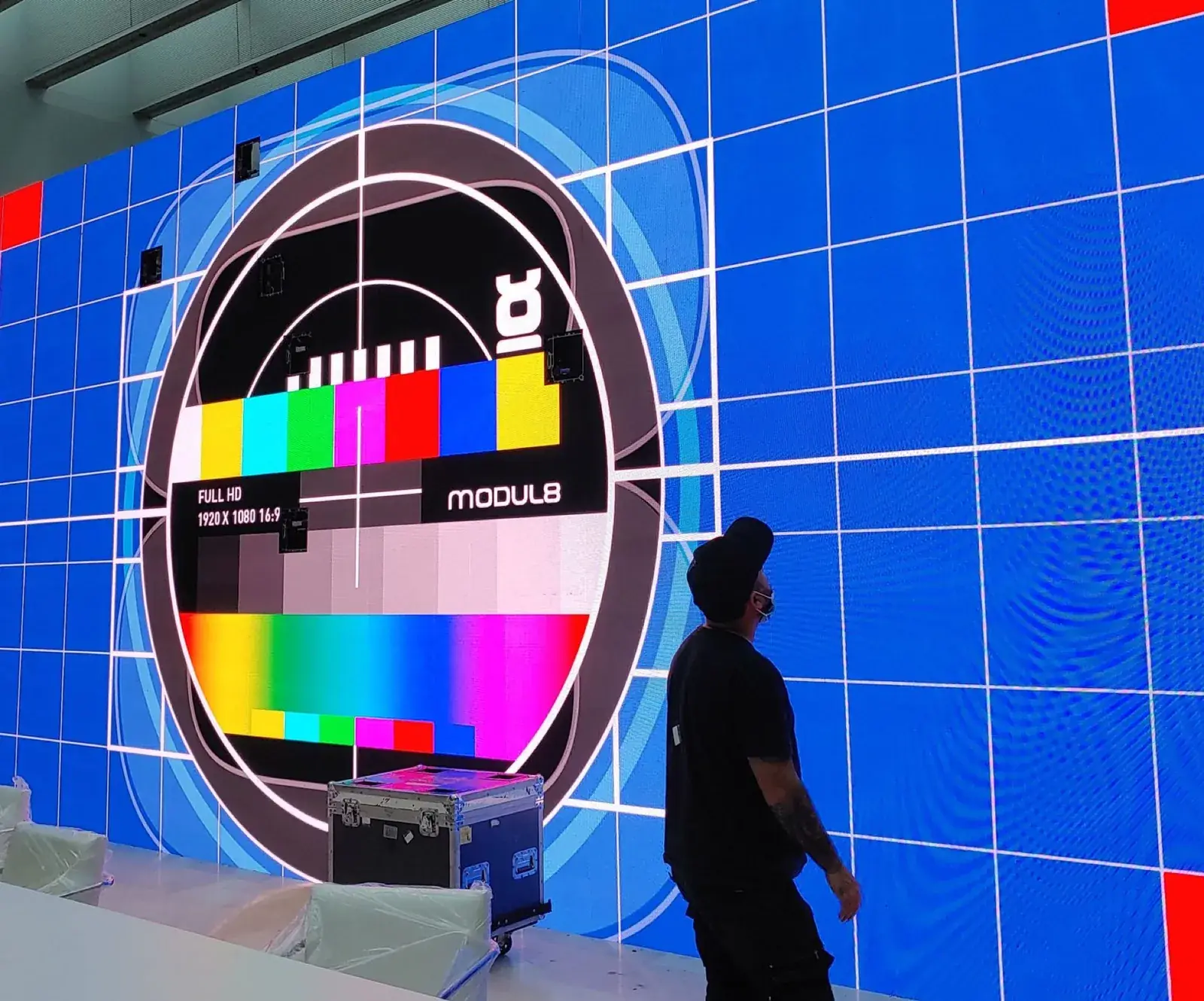
Playback · mapping · signal
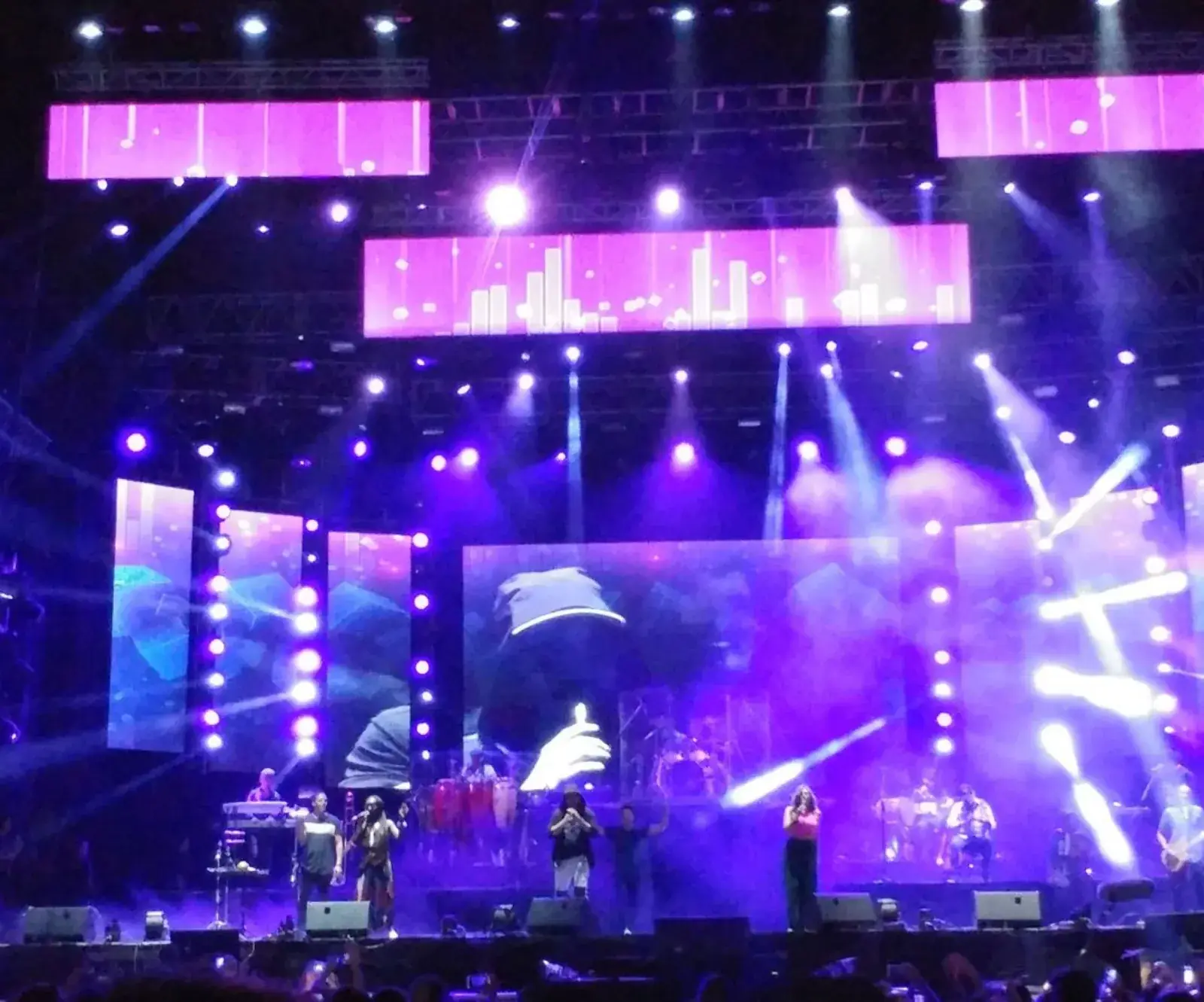
Stage · corporate · ambient
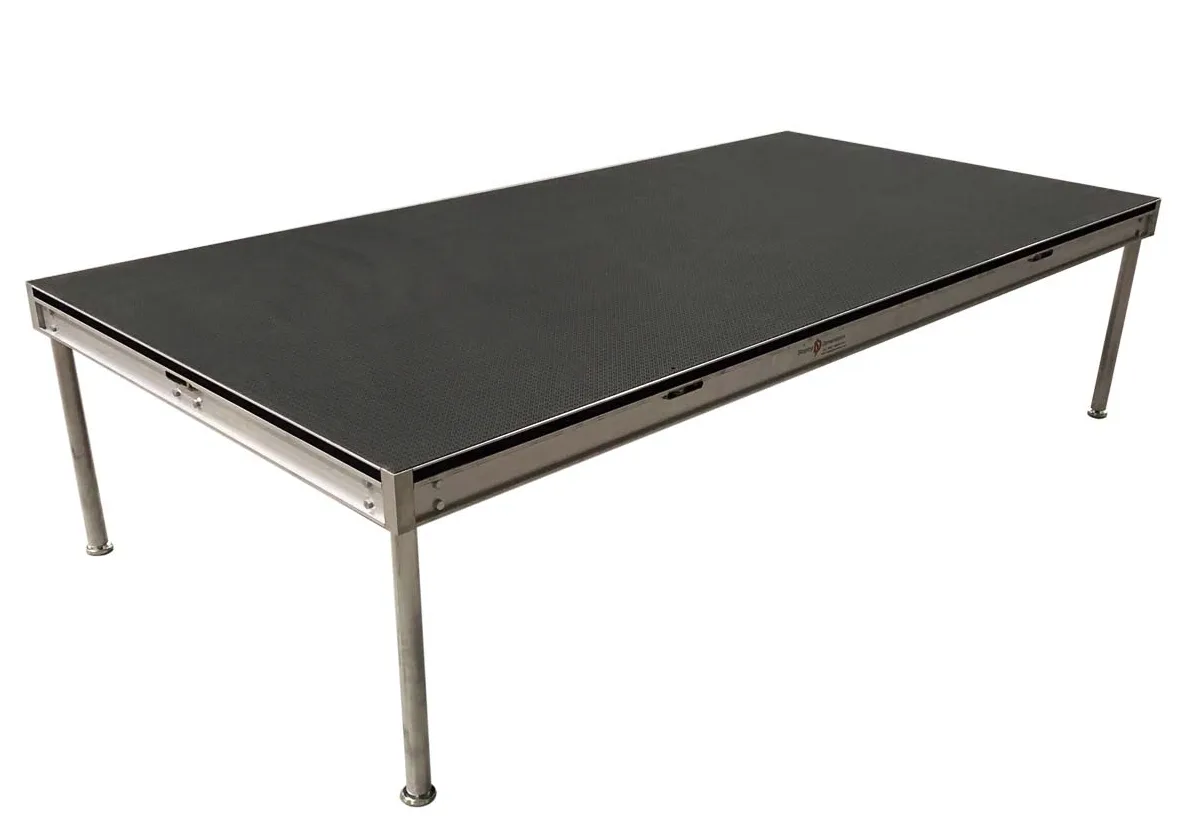
Decks · platforms · event flooring
Structure · distribution · support
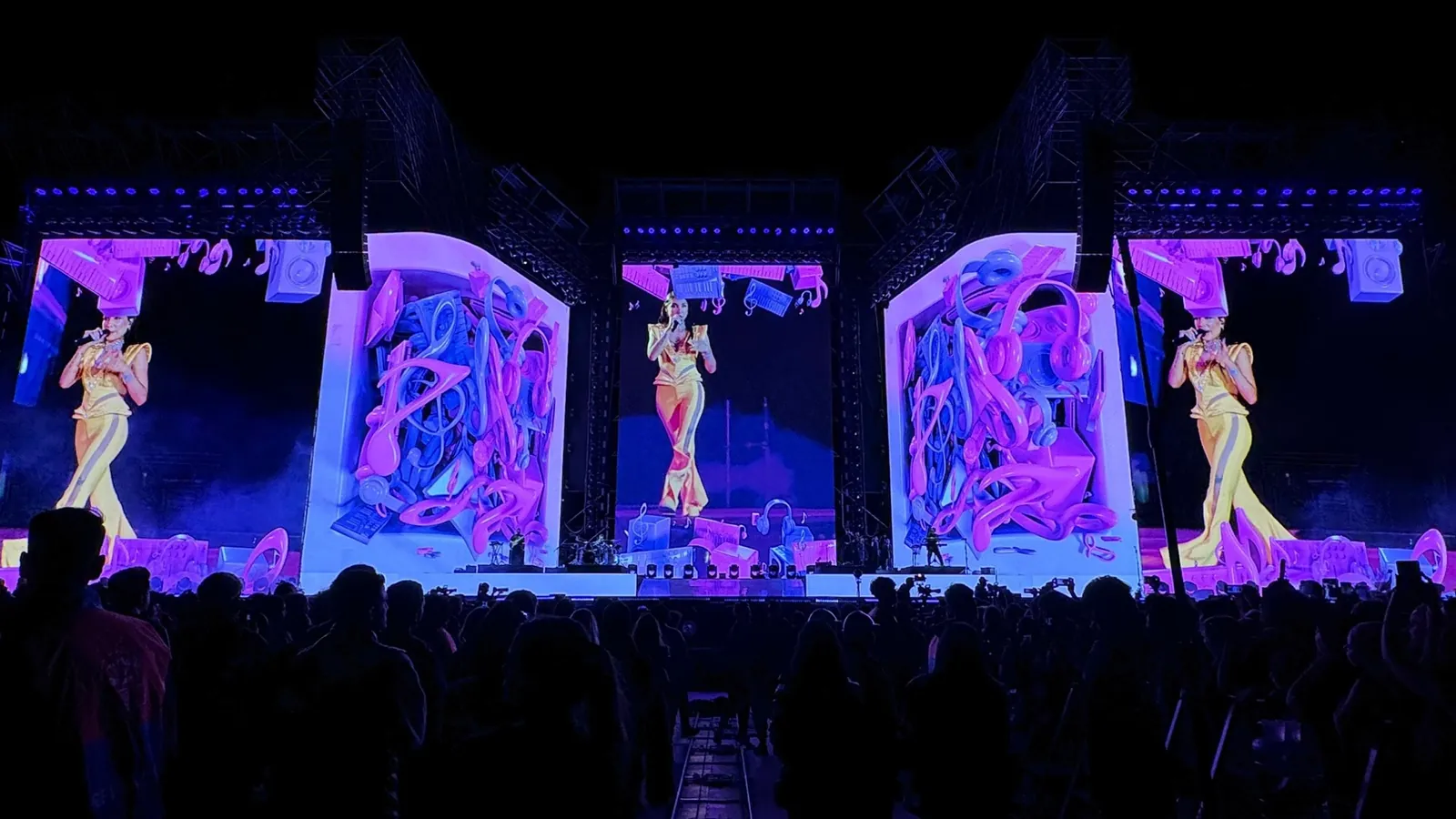
Corporate · touring · arena
Equipment for specific event requirements
Compare applications, compatible components, and installation requirements. If you know the equipment you need, send the list and any dates you have. If you are still choosing, tell us what you want to do and we will help define the configuration.
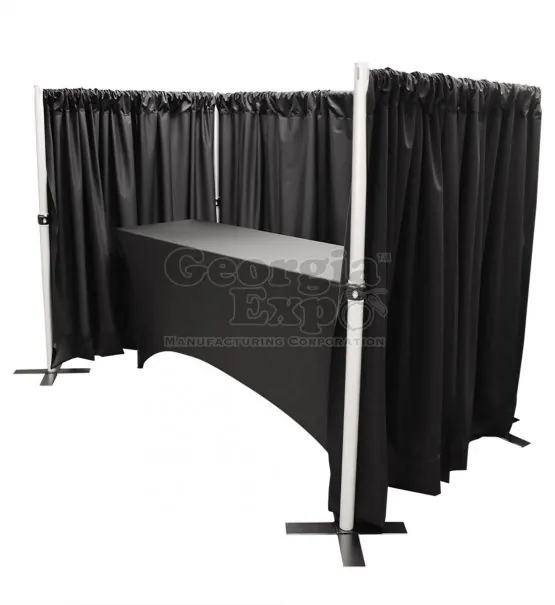
GLMedia-owned Georgia Expo inventory
Walkable video canvas
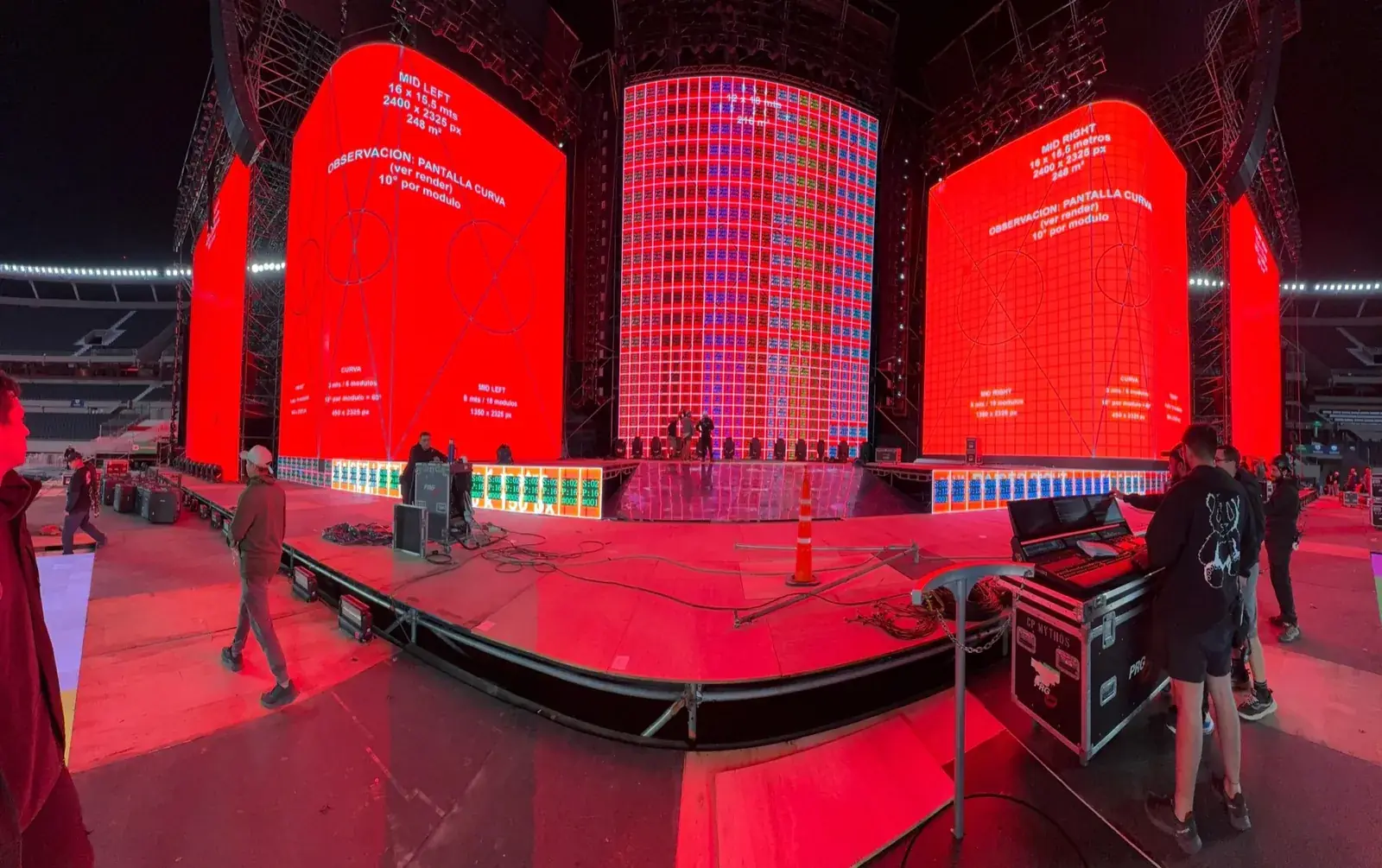
Sports · venues · permanent systems
Reveal · cue · production
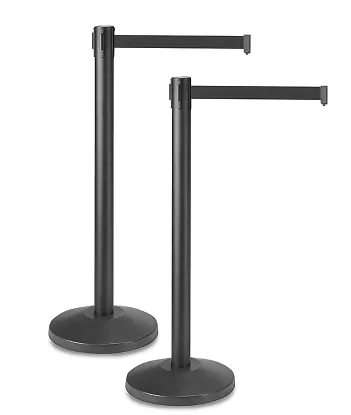
Queues · access · guest flow
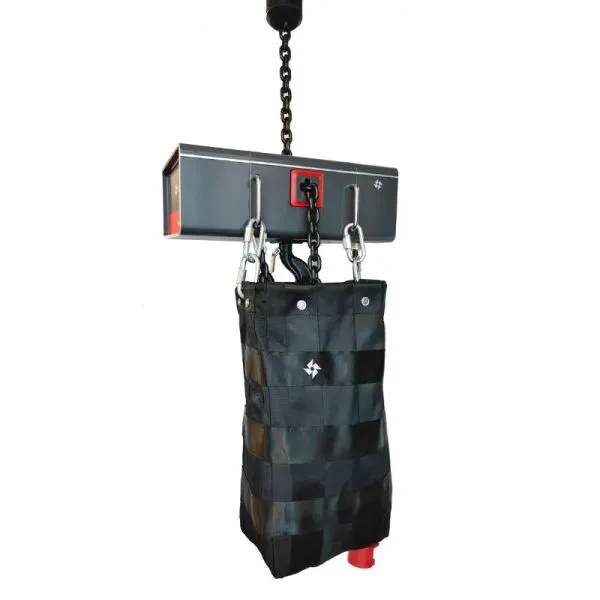
Rigging · motors · control
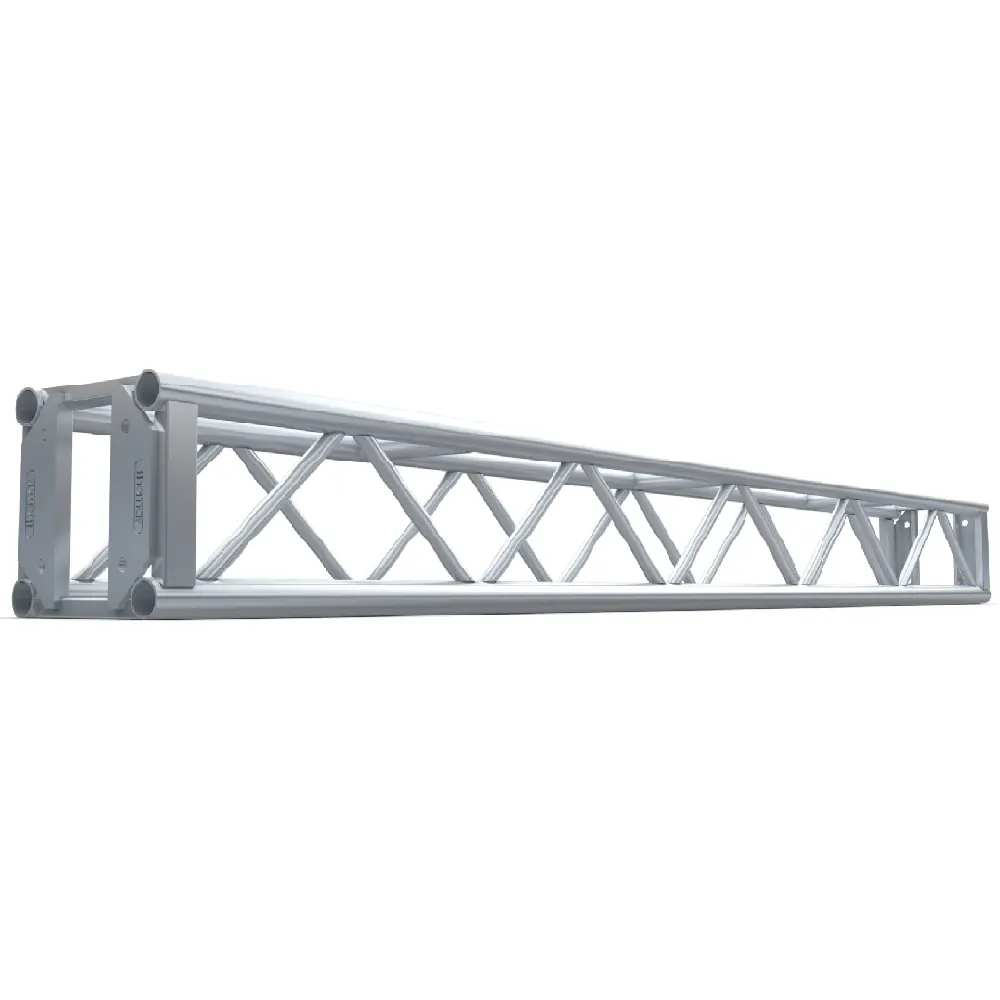
2 · 5 · 8 · 10 ft · bases · video support
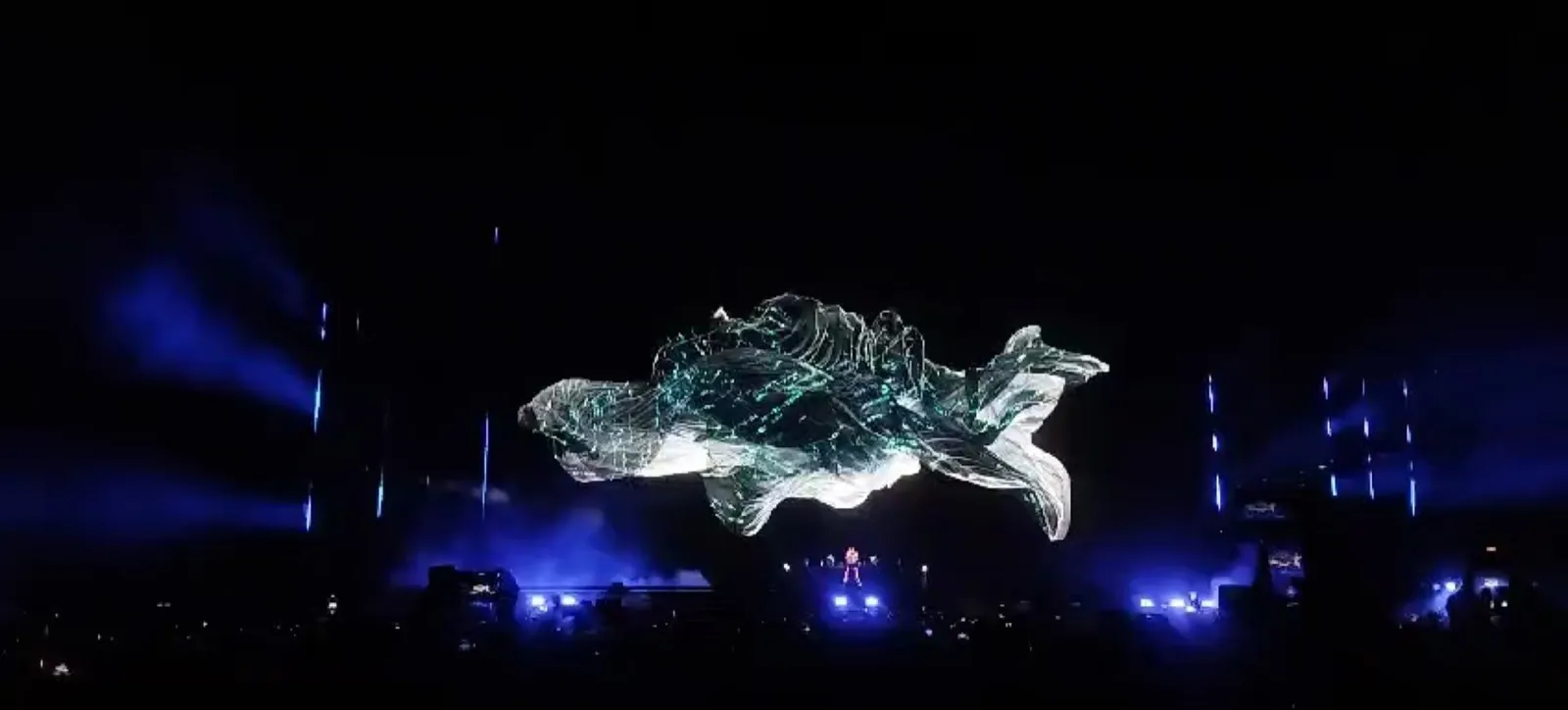
Programming · cues · qualified operation
Smoke jets · show control
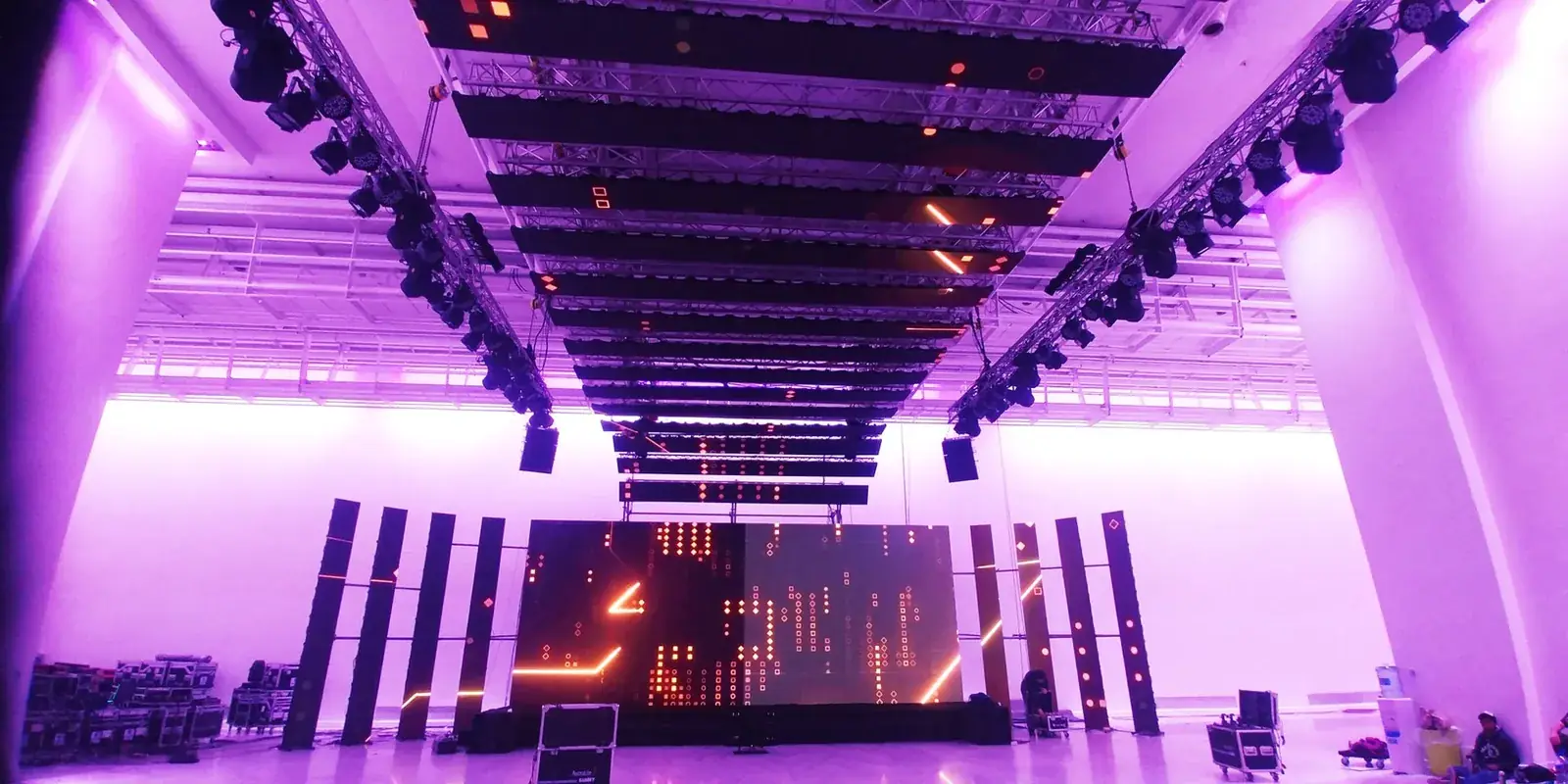
Yellow Jacket · 2 and 5 channel · egress
7 · 15 · 100 · 200 kVA
Portable · trailers · handwash · service
Complete website directory
Technical documentation
Equipment-only pickup is available for suitable rentals, by prior arrangement. Before choosing a vehicle, ask us for the packed dimensions and handling requirements: the cases take up more space than the equipment itself. Confirm who is collecting, who will operate the system and the pickup and return times. At handover, check the equipment, cables and accessories against the delivery list. Setup at your event is a separate service.
Use the delivery list to count cases, cables, power supplies and adapters before leaving the venue. Pack everything as agreed at pickup and report anything damaged or missing; do not attempt a repair. If you need more time, contact us before the agreed return time so we can check availability and any additional rental charge. Missing items and damage are handled under the rental agreement.
Contact the assigned technician and describe which screen, microphone or source is affected. Avoid changing wiring or settings without coordinating with the operator. For equipment-only rentals, use the support contact agreed at handover. On-site response, spare equipment and backup systems depend on the contracted package; they should be defined before the event, not assumed from the rental alone.
Send the exact model, quantity, dates and any approved alternatives on your technical rider. We check current availability and compatibility before quoting. Additional equipment can be considered through complementary rentals or technical partners. The quote identifies the model, quantity and accessories to be supplied, including any substitution you have accepted.
For productions that need electronic props, GLMedia can coordinate inquiries and rentals of Robert Chartier / 24frame equipment. Availability and scope are confirmed for each request.
Review reference cabinet quantities by location below. For system selection and handling options, open LED screens and floors. Quantities and configuration are confirmed for each project date.
View LED screens and floorsThe U.S. P2.6 inventory consists of 1,200 indoor 500 × 500 mm cabinets, covering 300 m². The straight, curved and 45° corner cabinets listed below share matching colorimetry within Group C.
| Group C · United States | Cabinets | Area |
|---|---|---|
| Straight | 488 | 122 m² |
| Curved | 600 | 150 m² |
| 45° corner | 112 | 28 m² |
| United States total | 1200 | 300 m² |
The total P2.6 inventory across the United States and Argentina is 2,000 cabinets, covering 500 m². The remaining 800 cabinets, covering 200 m², are in Argentina. Availability for your event date is confirmed when quoting.
You can choose whether Google Analytics and Google Ads measure visits and actions on this page. Service information and inquiry links work with either choice.
You have not chosen yet: the measurement tag will not load on this page until you accept.